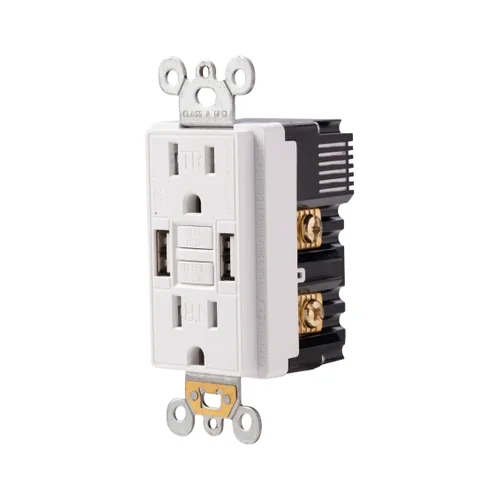
20A GFCI Outlet with USB-C and USB-A
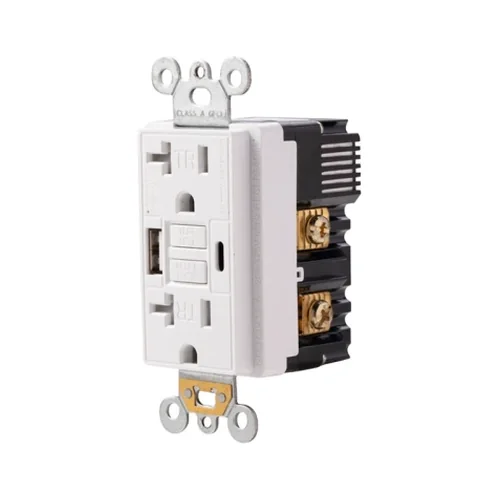
| Catalogue SKU | UCWTST20 |
|---|---|
| Product family | GFCI Outlets |
| Published fields | 37 fields held for this model |
| Colours | Confirmed per model and finish — quoted on request |
| Listing | UL & cUL listed — the file number is supplied with the quotation and verifiable in UL Product iQ |
| Full product page | /products/gfci-outlets/ucwtst20/ |
| Voltage | 125V |
|---|---|
| Amperage | 20A |
| NEMA Configuration | 5-20R |
| USB Rating | 5.0A, 5V DC |
| USB A Port | 5V DC 2.4A |
| USB C Port | 5V DC 2.4A |
| Tamper Resistant | Yes |
| NEMA | 5-20R |
| USB A | 5V DC 2.4A |
| USB C | 5V DC 2.4A |
| GFCI Class | Class A |
|---|---|
| Trip Level | 5mA plus or minus 1mA |
| Self-Test | Yes |
| GFCI Type | Self-Test GFCI, Class A GFCI |
| Weather Resistant | No |
|---|---|
| Color | White,Ivory,Almond,Black,Grey,Brown,Graphite |
| Finish | Satin |
| Face Material | Thermoplastic |
| Body Material | Thermoplastic |
| Wire | 3 |
|---|---|
| Terminal | Brass-Hot, Green-Ground, Silver-Neutral |
| Application | Indoor |
|---|---|
| Operating Temperature | -35C to 66C(-30F to 150F) |
| Application Sector | Commercial, Multi-Dwelling Unit, Residential |
| Product Code | UCWTST20 |
|---|---|
| Certified Safety | UL, cUL |
| Standards & Certifications | UL/CSA, NEMA WD6 |
| 0 | Product Code |
|---|---|
| Wiring Method | Back Wire and Side Wire |
| Wall Plate Included | Yes |
| Features | Alarm, Self-Test |
| Pole | 2 |
| Number of Receptacles | 2 |
| Grounding | Self Grounding |
| Safety Function | Automatic self-test monitoring |
| Own US Patents | Yes |
| Country of Origin | China |
| Level | This family's default |
|---|---|
| Individual packaging | 1 device per individual box |
| Inner carton | 10 devices |
| Master carton | 50 devices |
| Included with each device | Wall plate, screws and instruction sheet |
Pack counts are family defaults. Per-model carton counts and pack dimensions are still open on our side — ask for the count for this model when quoting.
Other models in the gfci outlets family carry these fields; this one does not. We list them rather than leave a blank row that could be read as a specification.
- USB A Port 1
- USB A Port 2
Installation steps held for UCWTST20
Taken from the manufacturer installation data for this model. Local code editions still govern where the device may be used.
Turn off the breaker and verify the box is de-energized with a voltage tester.
Identify the incoming power cable for the LINE terminals. If a second cable feeds downstream receptacles, identify it as LOAD and use it only when downstream GFCI protection is required.
Connect the incoming hot wire to the brass LINE terminal, the incoming neutral wire to the silver LINE terminal, and the ground wire to the green grounding terminal.
If downstream protection is required, connect the outgoing hot wire to the brass LOAD terminal and the outgoing neutral wire to the silver LOAD terminal. Do not reverse LINE and LOAD.
Fold the wires neatly into the box, mount the GFCI receptacle, install the wall plate, restore power, press RESET, and press TEST to confirm proper operation before resetting again.
Other gfci outlets models
Four more models from this family, each with its own sheet.
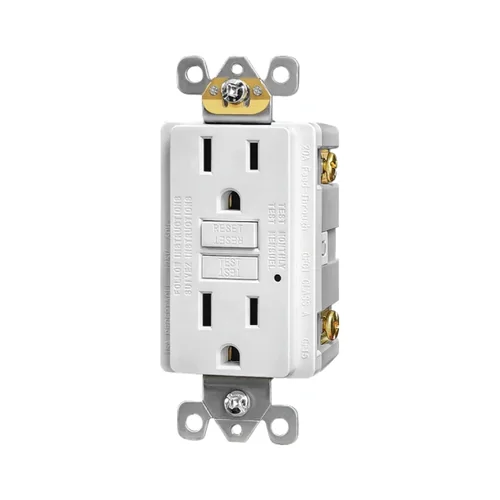 15A Non-Tamper Resistant Self-Test GFCI Receptacle15A · 5-15R
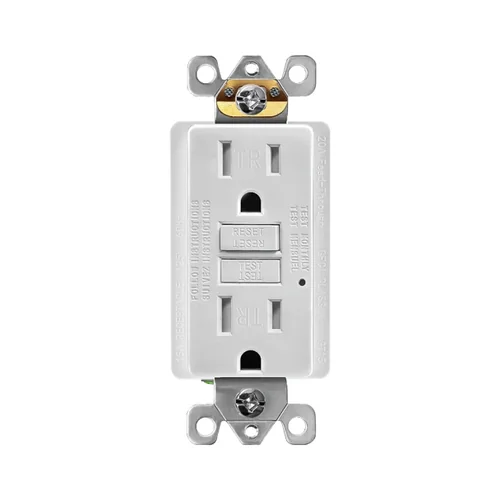 15A Tamper-Resistant Self-Test GFCI Outlet15A · 5-15R
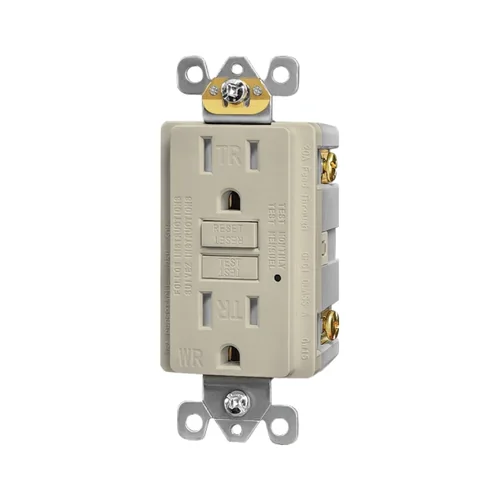 15A Weather-Resistant Self-Test GFCI Receptacle15A · 5-15R
 15A Combination USB GFCI Receptacle with Dual USB-A15A · 5-15R
A video of this model being wired is available on the product page:open UCWTST20.
Send the list, get the package back
Model list, quantities and project type is all we need to start. The quotation comes back in one business day with the specification sheet for each line item, the listing reference it holds and the packing detail for the DC — one document, not four.
WhatsApp / Mobile +86 159 5875 8125Prefer email? sales@syoutlet.com